
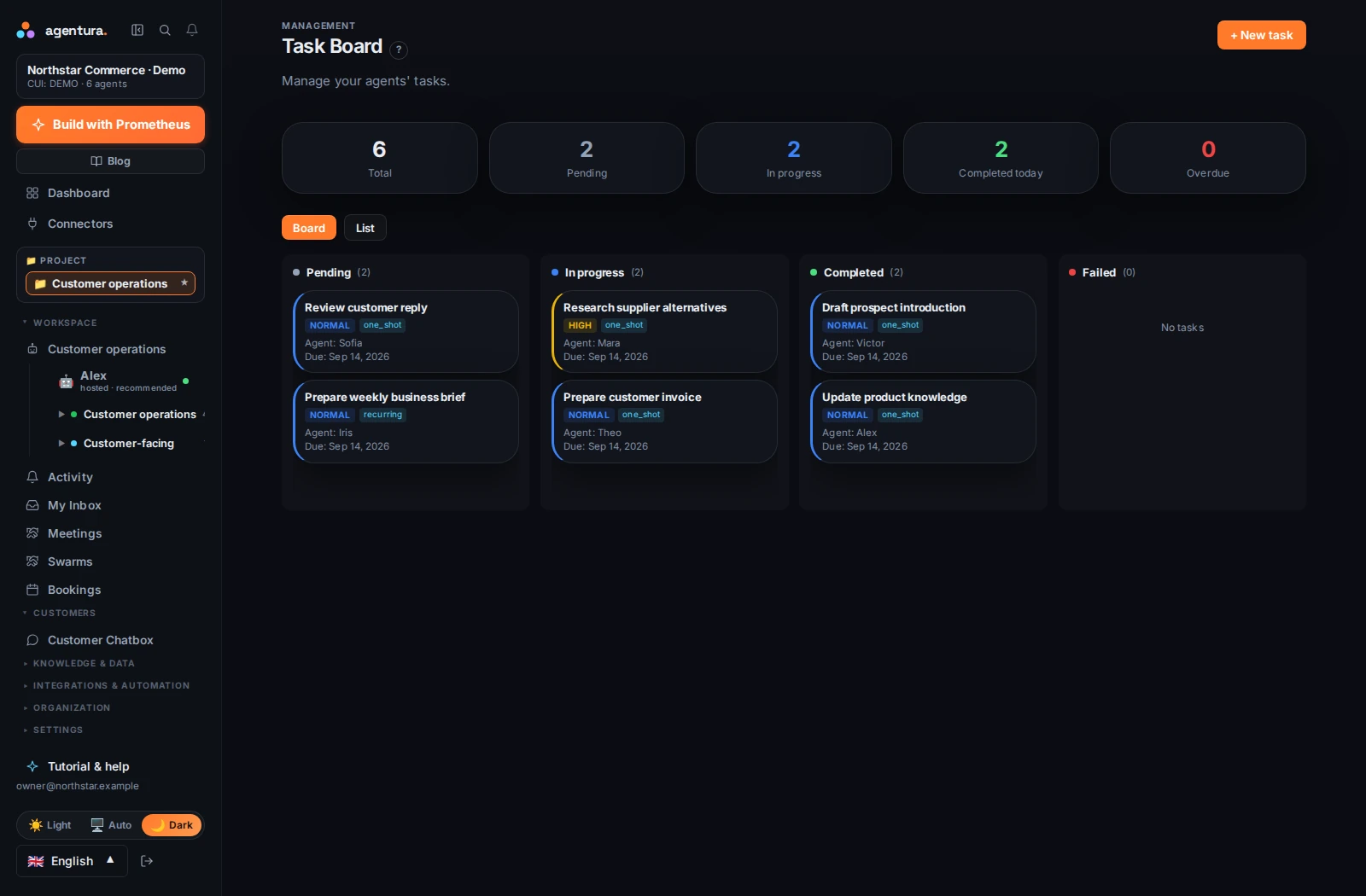
Give the work an owner and a status
The task board shows pending, in-progress, completed and failed work. Assign tasks to agents, set priorities and track the output. A written task helps make the request concrete: what needs doing, what information is available and what result you expect.
Use the conversation and activity view when you need the detail behind a status. Agents can prepare reports, replies and other files; the Data area keeps their written outputs available for review.

Turn a successful task into recurring work
Schedule repeatable work such as a weekly business brief, a regular research update or a reminder. Define the timing, inputs and desired output. Test the first run and refine the instructions before relying on the routine.
- Choose a useful report
For example: open customer requests, sales activity and the follow-ups that need attention.
- Connect the inputs
Provide the relevant documents and authorize the business services the agent needs.
- Set the rhythm
Choose a schedule, review the first result and adjust the task as your business changes.

Work on websites, with a visible browser
The cloud browser lets an agent research public sites and interact with websites in a server-hosted session. You can follow its browser view in the portal and interact when needed. It has its own session; it does not automatically inherit the accounts signed in on your computer.
Optional local browser and computer tools can provide access to your own environment. They require the relevant local setup, pairing and permissions. Agentura Local runs on macOS and Windows; on Linux it gives agents files and a browser, not screen control. Cloud desktop capabilities and local device control are separate ways of working, so choose the one suited to the task.
Keep review points where they matter
Choose how much each agent may do without asking (Supervised, Guided or Autonomous) and which tools and connections it may use. Risky actions, such as moving money or sending email in bulk, are held until you approve them, and the request reaches you as a link in a notification; computer control starts only after you allow it. Inspect activity when a job needs supervision. Agents ask for confirmation before issuing an invoice through Oblio or SmartBill. Available actions depend on your plan, agent setup, connections and permissions.
Build the team behind the work