

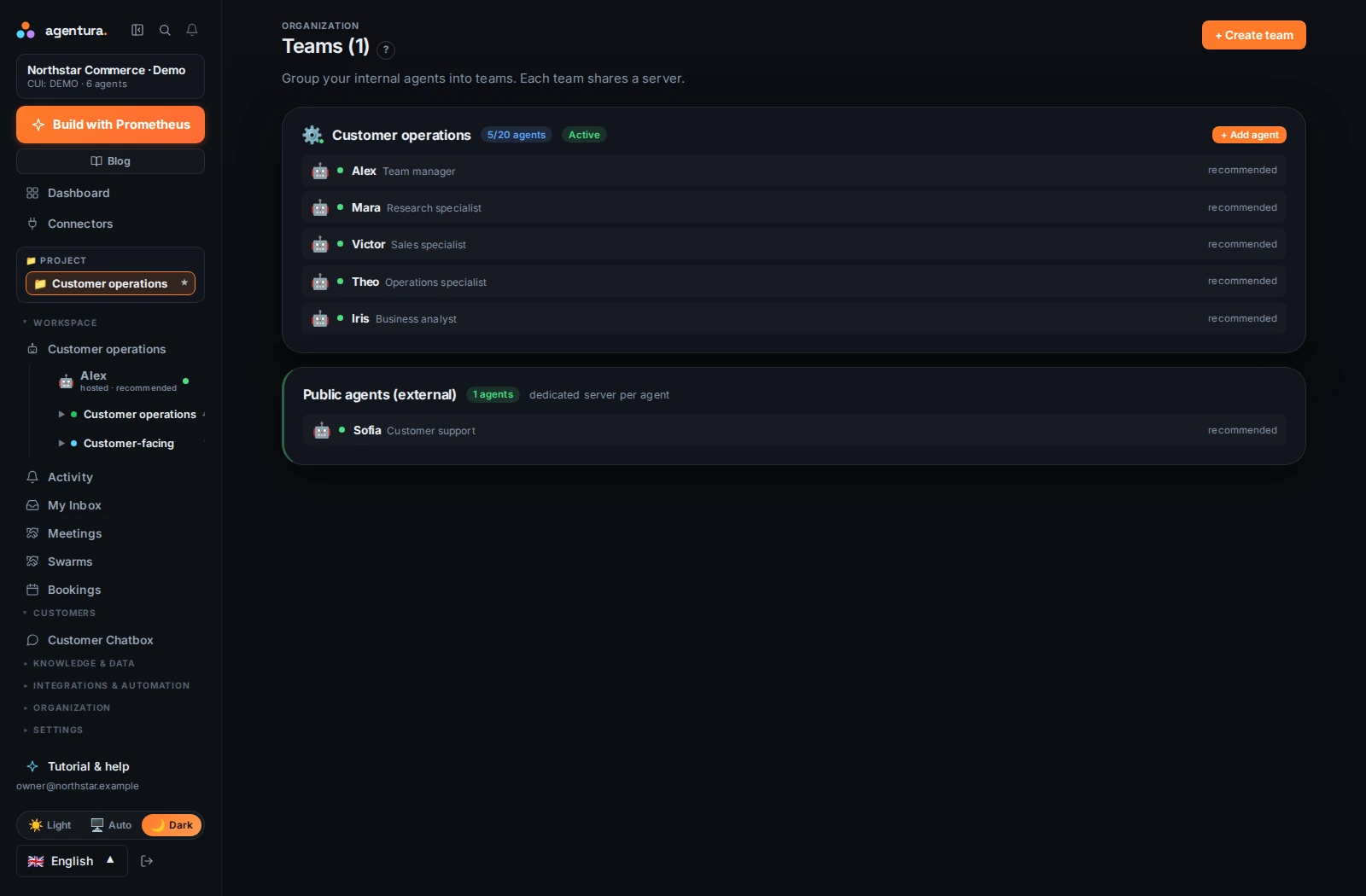

A role, a remit and the right access
A research agent needs reliable sources. A support agent needs product information and customer policies. An operations agent may need access to orders and invoice preparation. Agentura lets you configure instructions, knowledge and tools around each role.
Agents have their own memory and can reuse relevant context over time. Shared company knowledge gives specialists a common reference. Keep the information current and tell each agent what a good result looks like.

One request can involve several specialists
A manager can delegate work to other agents, exchange messages with them and consolidate their results. This is useful when the outcome requires different kinds of work, such as researching a prospect and preparing a relevant introduction.
- Set the outcome
Ask for a company brief and a draft introduction, with sources and a clear review point.
- Divide the work
The research specialist finds the facts. The sales specialist relates them to your offer.
- Review together
The manager brings the brief and draft back into the conversation for your next decision.
Serve your business and your customers
Internal agents help with research, analysis, planning and daily operations. Customer-facing agents can work through website chat and Telegram on every plan, and through email, WhatsApp (messages and calls) and voice from the Business plan. WhatsApp calls are voice only, one call at a time per line. Each channel has to be set up and connected first.
Separate customer instructions from internal operating instructions. Give a support agent the product and policy information it needs, then decide which actions it may take and when it should ask for help.

Set boundaries as the team grows
Choose how much each agent may do without asking (Supervised, Guided or Autonomous) and which tools and connections it can use. Inspect conversations and activity from the portal; risky actions, such as moving money or sending email in bulk, are held until you approve them, and the request reaches you as a link in a notification. Review early results before expanding a role or adding more connections. A clear brief and focused access make the team easier to operate.
From the Business plan up, invite your people in and hand each person one or more agents to control — never shared, one controller per agent. The limit is 3 people on Business and 10 on Pro, counting you; Enterprise has no limit. Managers see their whole team’s agents, direct or indirect, but never a peer’s or their own manager’s. When a manager talks to an agent run by someone on their team, the manager’s own agent gets a meeting record of the conversation.
See how work is tracked